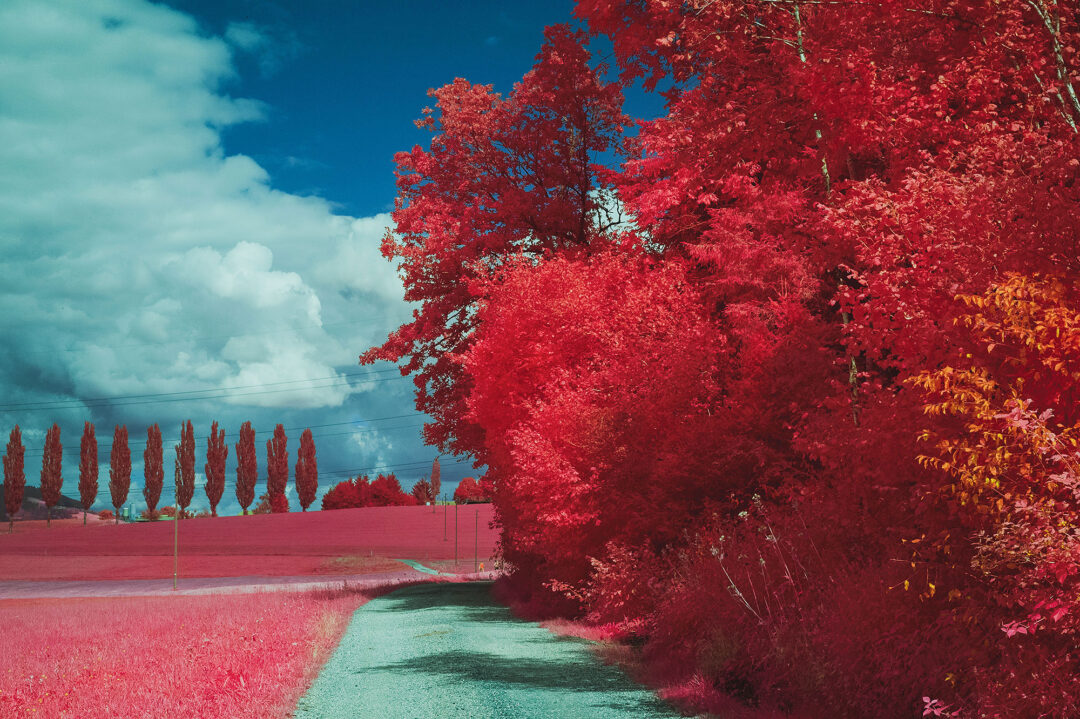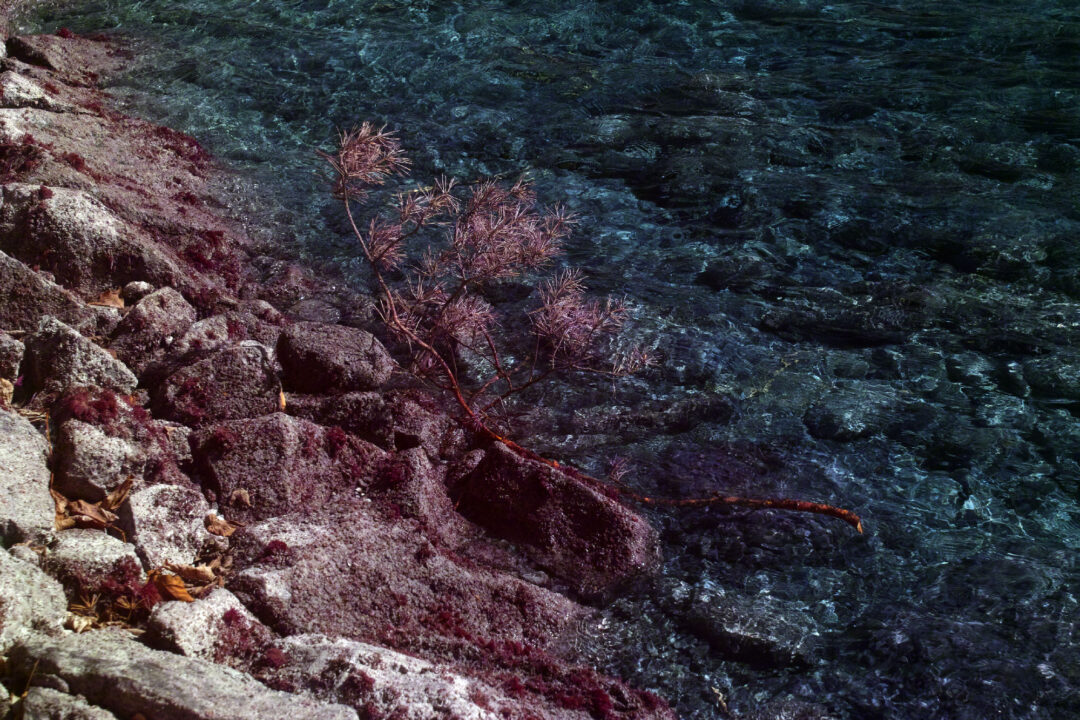

I recently tried a new Lee filter for my Sigma SD1 Aerochrome setup. Why? Because I have had a suspicion for quite some time that the Triple Bandpass filters may not be identical from batch to batch.
Don’t get me wrong – they all work, and they are excellent filters.
However, when you use them for this very specific application, where the balance between red, green and infrared transmission is critical, even minimal differences in the transmission curve can influence the final colors.
Looking back at my own attempts to recreate the Aerochrome look over the years, I suspect that some of the filters I used behaved slightly differently. In some cases, vegetation shifted more towards violet or purple instead of the pinks and reds I was aiming for.
For a long time, Lee Middle Rose has been my go-to companion filter together with the Triple Bandpass filter.
While it often delivered excellent results, it did not always behave well, especially under intense midday sunlight. The colors could become somewhat strange or overly violet in certain scenes.
To compensate for the likely variation in the TB filter, I’ve been experimenting with a Lee Medium Bastard Amber filter.
The idea is to permit slightly greater green transmission while still reducing the influx of green light enough to preserve the characteristic Aerochrome color palette and its distinctive color shifts.
All images shown here were captured using a custom white balance set on a clear blue sky, followed by white balancing within Sigma Photo Pro. The Foveon Blue preset was also used.
Under bright midday sunlight, the Medium Bastard Amber immediately produced more convincing results for my taste.
The classic pink Aerochrome vegetation appeared much more naturally, while avoiding some of the odd color tendencies I occasionally encountered with the Middle Rose setup.
Typical “hot-pink” Aerochrome colors under strong midday sun:


Around 5 PM, the color palette begins to shift noticeably.
There is still plenty of pink, but more red tones start to emerge throughout the scene. My assumption is that the reduced infrared intensity and changing light angle alter the balance between visible and infrared reflectance.
The result is a less aggressive, less “in-your-face” pink appearance and a richer mix of pink, magenta and red hues.
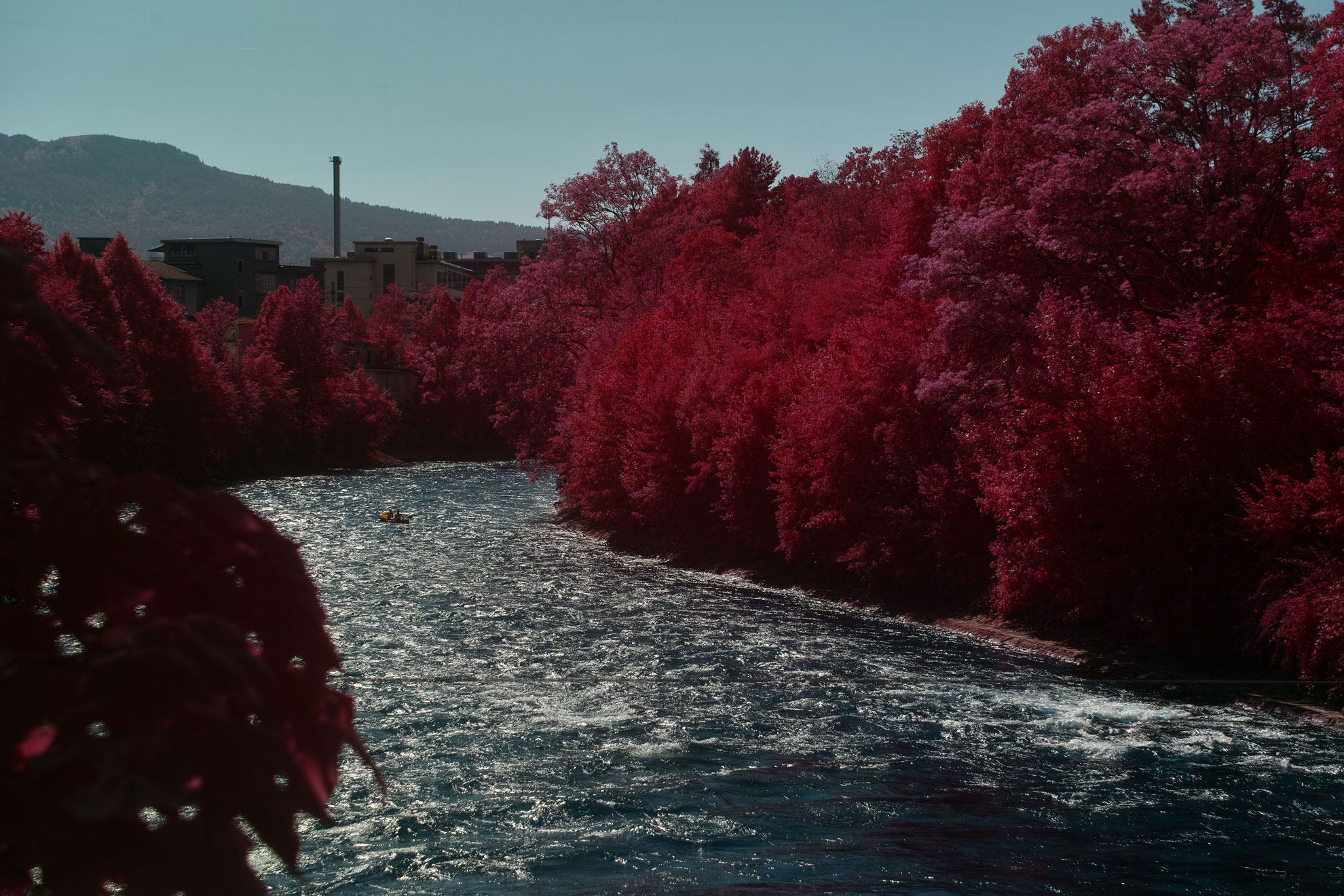
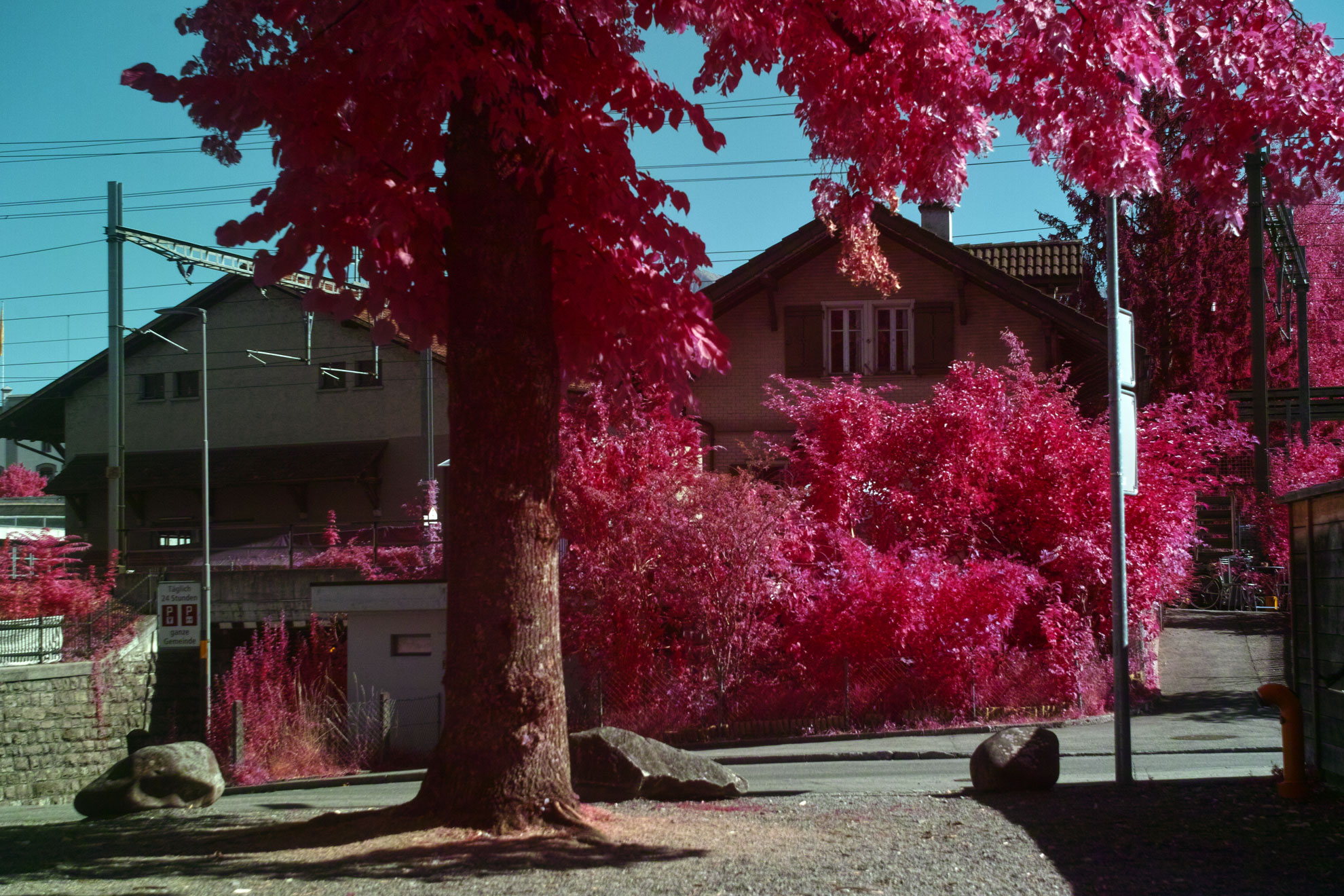
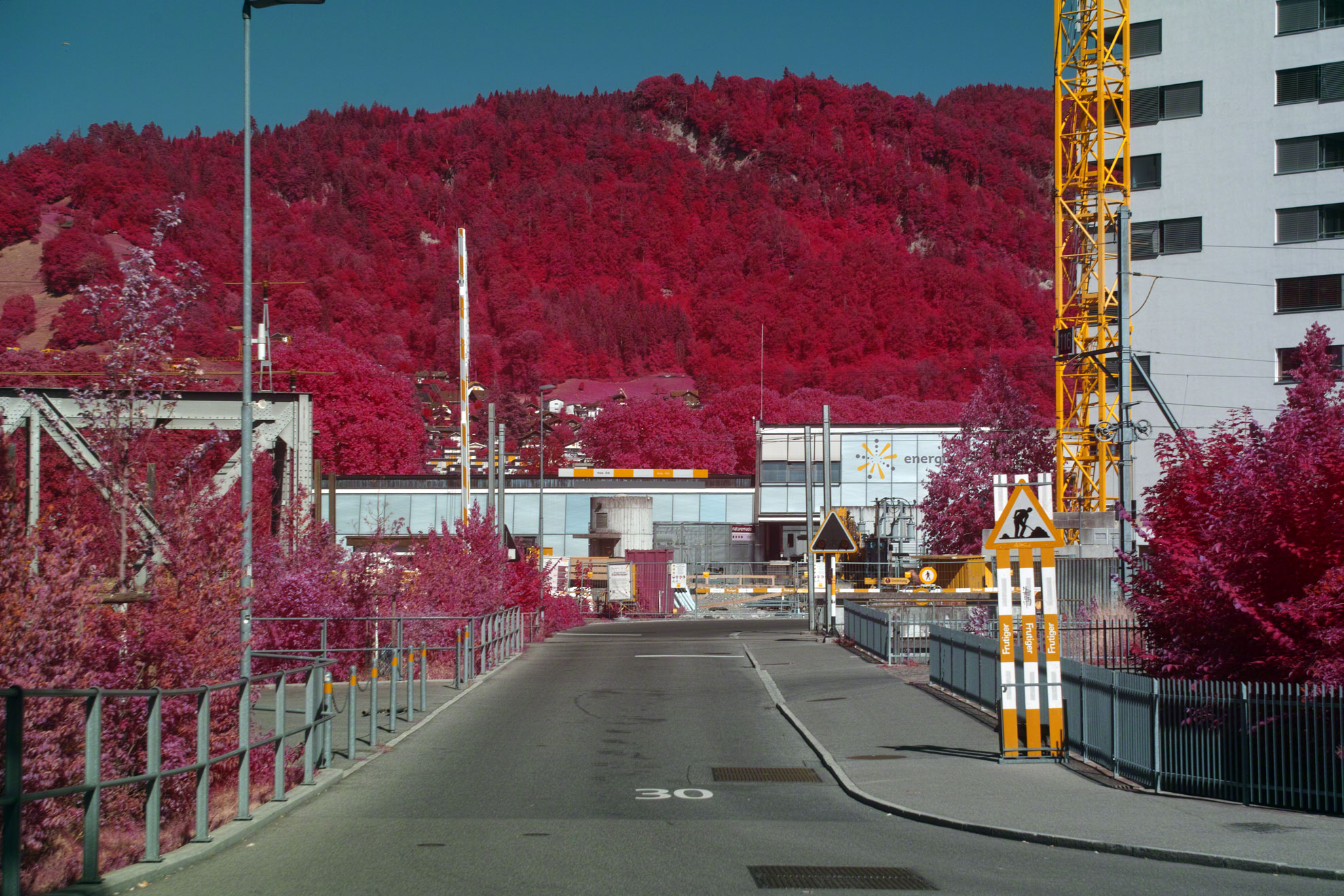

This behavior is actually quite reminiscent of what many Aerochrome photographers captured with the original film.
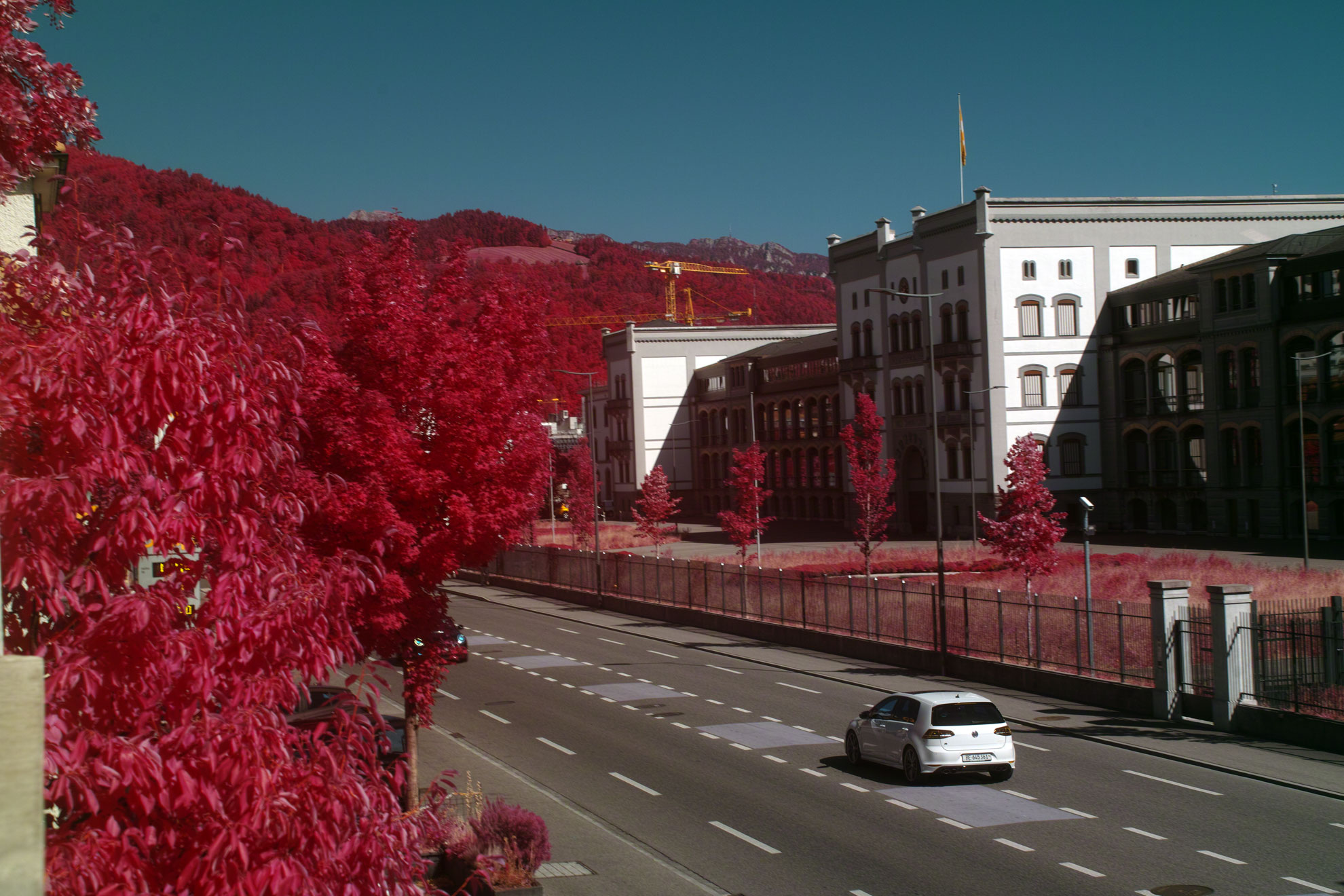
Under strong midday light, vegetation tends to lean towards brighter pink and magenta tones. As the sun lowers, deeper reds become increasingly prominent, creating a more varied and nuanced color palette.
The most beautiful images (for my taste), however, were captured just before sunset. In the final light of the day, around 7 PM, the vegetation shifts even further towards red.
But please note that these images were white-balanced by eye to preserve the warm tones of the evening sun. So this certainly has an effect on the final colors.
For evening shots in particular, it’s probably better to adjust the white balance manually in the Color Matrix within SPP rather than using the eyedropper tool, as the eyedropper will tend to neutralize the warm sunset light.

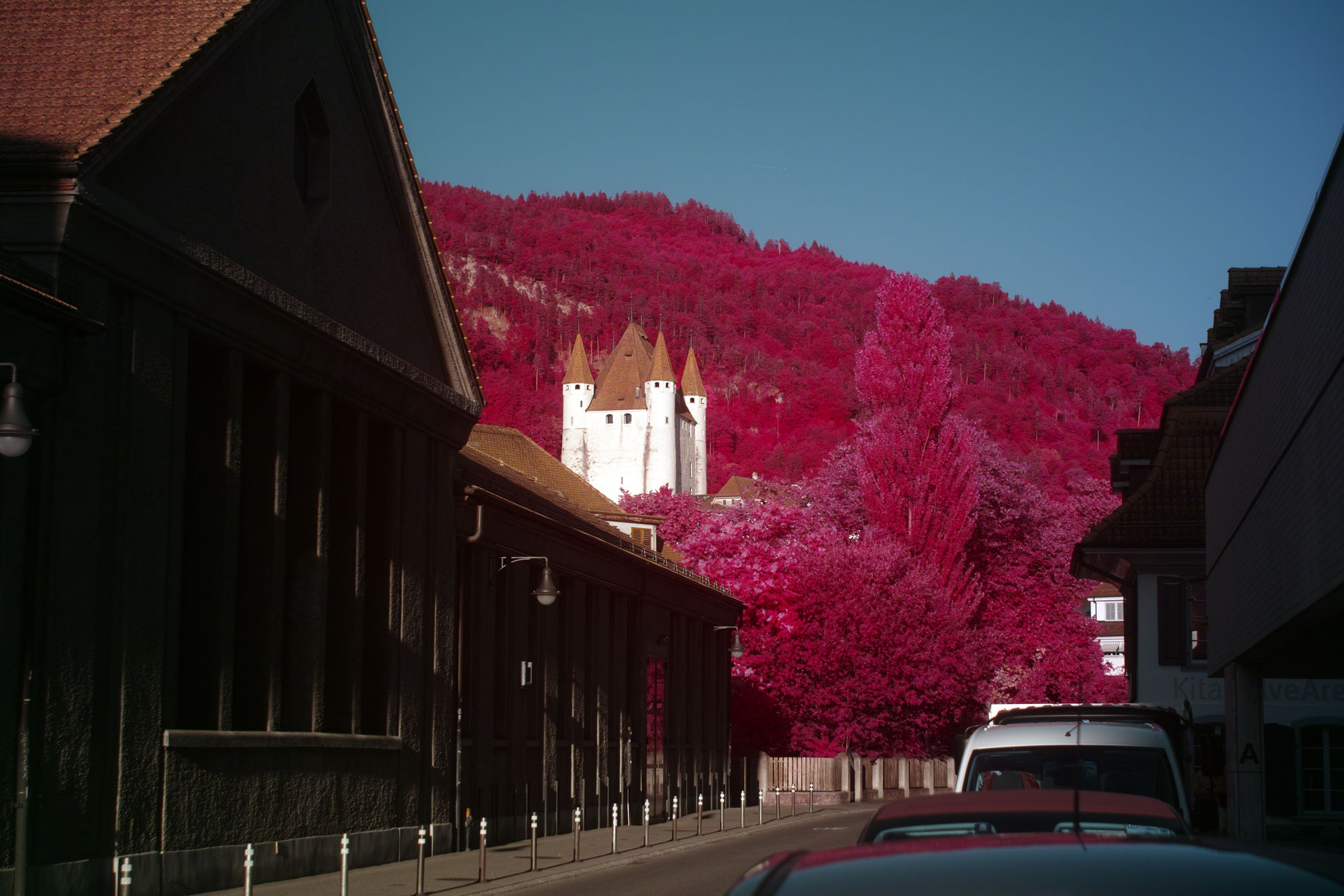

Also keep in mind that the color of vegetation is influenced by much more than just the angle and intensity of sunlight or the selected white balance setting. Other factors include:
– Distance to the subject. Distant forests often appear more reddish because atmospheric effects influence color as the distance grows.
– The type and condition of the vegetation (healthy, dry, stressed, etc.).
– Additional filters used during image capture.
– The lens itself. Some lenses transmit more infrared light than others, and focal length can also have an influence. For more consistent results, a fixed focal length lens is generally preferable.
I’m still not entirely sure I’ve wrapped my head around all of this yet, and the Sigma SD1 can be a very annoying camera at times.
But I’ll keep experimenting and learning, and I’d encourage you to do the same if you’re using the same setup and/or filter.